IPTV Smarters Pro Setup Guide (2026)
Install and configure IPTV Smarters Pro in about five minutes on Firestick, Android TV, iOS, Windows or macOS using Xtream Codes.
Last updated: August 2026
Short answer
Install IPTV Smarters Pro, pick Login with Xtream Codes API, paste the username, password and server URL from your activation email, and press Add User. Need credentials? Get an ONETVBOX subscription →
IPTV Smarters Pro is the most widely used IPTV player because it is free, runs on nearly every device and includes live TV, movies, series and a 7-day EPG in one interface. The app ships with no channels — it is a player, so you supply the login from your provider.
What you need before you start
- An active IPTV subscription with Xtream Codes details (username, password, server URL).
- A supported device: Firestick, Android TV box, Android phone, iPhone/iPad, Windows or macOS.
- At least 10 Mbps for Full HD or 25 Mbps for 4K.
Install IPTV Smarters Pro on Firestick
- Settings → My Fire TV → Developer Options → enable Apps from Unknown Sources.
- Install the Downloader app from the Amazon Appstore.
- Open Downloader and enter the official IPTV Smarters Pro APK address.
- Install, then open the app from your Fire TV home row.
Prefer pictures and per-remote detail? Use our longer IPTV Firestick installation guide.
Set up IPTV Smarters Pro step by step
- Install the app: On Firestick use the Downloader app or the Amazon Appstore; on Android, iOS, Windows or macOS download IPTV Smarters Pro from the official store.
- Open and accept terms: Launch IPTV Smarters Pro and accept the terms of use on first run.
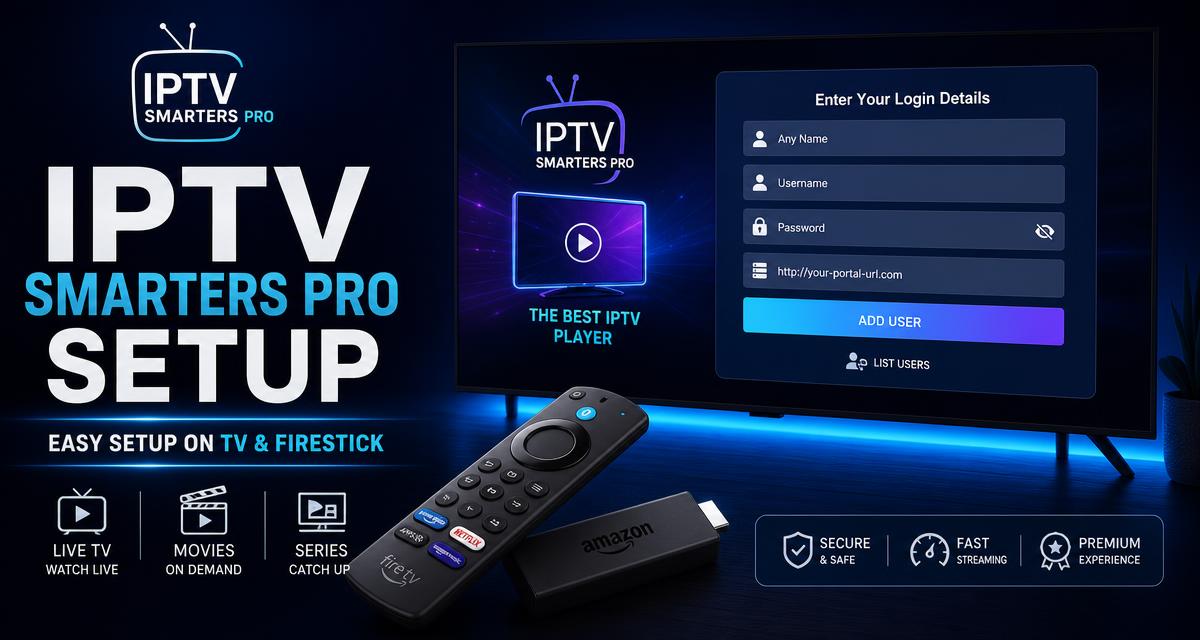
- Choose Xtream Codes API login: Select 'Login with Xtream Codes API' rather than the M3U URL option so the EPG loads automatically.
- Enter your subscription details: Type any playlist name, then the username, password and server URL from your activation email exactly as sent.
- Add user and load channels: Press Add User. Live TV, movies, series and the 7-day EPG appear within seconds.
- Set playback preferences: Open Settings, set the decoder to hardware for 4K HEVC, enable auto-start on boot and pick your preferred EPG time offset.
Xtream Codes vs M3U URL — which login to use
| Login type | EPG | VOD | Best for |
|---|---|---|---|
| Xtream Codes API | Automatic 7-day | Yes, with posters | Everyone — recommended |
| M3U playlist URL | Manual EPG link | Flat list only | Players without Xtream support |
Best playback settings for 4K
- Decoder: hardware (HW+) for smooth HEVC 4K.
- Auto-start: on, so the app opens with the TV.
- Time format & EPG offset: match your timezone so the guide lines up.
- Buffer size: raise one step only if you see brief stutters on Wi-Fi.
- Wired over Wi-Fi: use Ethernet on Fire TV Cube or an adapter for the most stable 4K.
Common IPTV Smarters Pro problems and fixes
| Problem | Fix |
|---|---|
| Invalid credentials | Re-paste the server URL with http:// and the port; remove trailing spaces. |
| Channels load, EPG empty | Switch to Xtream Codes login and refresh the EPG in Settings. |
| Freezing on live sport | Set decoder to hardware and check your provider runs local servers — see anti-freeze servers. |
| Black screen on one channel | Try the alternate stream for that channel; if it persists, message support. |
| App closes on launch | Clear cache in device settings and reopen; reinstall if it repeats. |
IPTV Smarters Pro alternatives
TiviMate has the strongest EPG and recording, XCIU is the lightest on old boxes, and Smart IPTV suits Samsung and LG TVs. All accept the same ONETVBOX credentials — full comparison in best IPTV apps UK 2026.
IPTV Smarters Pro FAQs
How do I set up IPTV Smarters Pro?
Install IPTV Smarters Pro, choose 'Login with Xtream Codes API', enter any playlist name plus the username, password and server URL your provider emailed you, then press Add User. Channels and EPG load within seconds.
Is IPTV Smarters Pro free?
Yes, the app itself is free on Android, Fire TV, iOS, Windows and macOS. You still need an active IPTV subscription to log in — the app contains no channels of its own.
Why does IPTV Smarters Pro say 'invalid credentials'?
Almost always a typo in the server URL or a missing http:// prefix, or a trailing space copied from the email. Re-paste the details exactly as sent, including the port number.
Should I use IPTV Smarters Pro or TiviMate?
IPTV Smarters Pro is easier and free with built-in VOD. TiviMate has a better EPG and recording but its premium features are paid. Both work with the same ONETVBOX login.
Don't have login details yet? Choose an ONETVBOX plan → and get Xtream Codes within minutes, or read the IPTV subscription UK guide.